
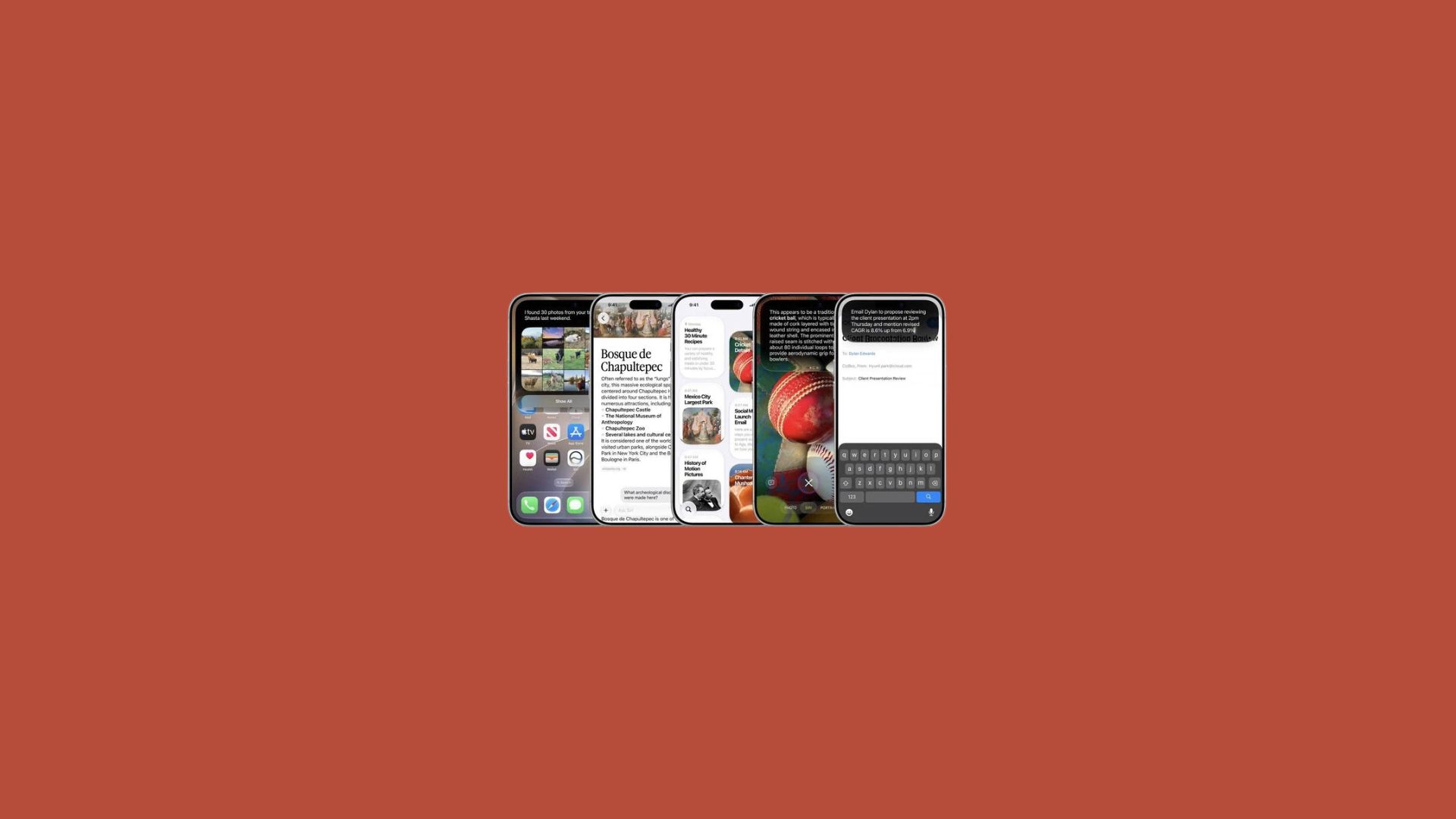
Apple will push iOS 27 to compatible iPhones starting Monday, September 14, at roughly 10 a.m. Pacific Time (1 p.m. Eastern), a rollout the company confirmed last week during its iPhone 18 Pro and iPhone Duo launch event. The update caps a beta cycle that began at WWDC on June 8, and it lands as Apple’s most significant software overhaul in years, anchored by a rebuilt version of Siri.
The headline addition is Siri AI, a ChatGPT-style assistant that replaces the classic Siri experience for anyone with an iPhone 15 Pro or newer. Everyone else running iOS 27, including owners of the iPhone 11 through iPhone 14 lines, still gets the update but keeps the older, more limited Siri, since the AI features depend on the A17 Pro chip or later.
Beyond Siri, iOS 27 touches nearly every corner of the operating system, from a refined Liquid Glass interface to faster app launches and a new way to switch between two iPhones on one phone number. Owners can install it through Settings, General, Software Update once it appears, and Apple says the update will keep expanding over the next several months as regional and carrier restrictions ease.
Siri AI headlines a broader Apple Intelligence push
Classic Siri handled timers and weather requests well enough but struggled with anything more complex. Siri AI is Apple’s answer: a conversational assistant that can draw on information stored on the iPhone, follow what is on screen, and carry out actions inside apps that support it. iOS 27 gives it a dedicated app, though holding the side button still works too.
The feature comes with real limits at launch. Apple is capping daily usage, with a paid tier planned for heavier use later on, and Siri AI supports English only for now. It will also not be available in the European Union at launch on iOS 27, iPadOS 27, or watchOS 27, a byproduct of Apple’s ongoing regulatory dispute with the European Commission.
Other Apple Intelligence additions
Apple Intelligence is expanding elsewhere in iOS 27 as well. The Photos app gains “Extend” and “Reframe” tools, Image Playground can now generate photorealistic images, Shortcuts can be built simply by describing what they should do, and HomeKit Secure Video cameras can generate written descriptions of what they capture.
Liquid Glass gets sharper
The Liquid Glass design Apple introduced with iOS 26 has been refined for iOS 27. Apple describes the update as delivering more uniform refraction and improved contrast, with sharper, more detailed app icons. A new slider also lets users choose how clear or tinted the interface looks, rather than relying on one fixed setting.
Performance and everyday usability improvements
Apple says the update speeds up common tasks across the system: app launches are up to 30 percent faster, Photos library loading is up to 70 percent faster, and AirDrop transfers are up to 80 percent faster.
| Feature | What changed |
|---|---|
| iPhone Handoff | Switch between two iPhones on one phone number; requires carrier support |
| Apple Cash bill splitting | Split receipts via Wallet, Messages, or Siri Camera mode (U.S. only) |
| Find My location sharing | Custom durations and silent pausing, instead of three fixed presets |
| CarPlay video apps | Developers can build video-browsing CarPlay apps; playback only while parked |
iPhone Handoff requires carrier buy-in
iPhone Handoff needs support from a user’s carrier, and not every carrier is on board yet. T-Mobile in the United States and Deutsche Telekom in Germany are the first to offer it, with T-Mobile charging $5 a month. Apple has said Verizon and the UK’s EE plan to add the feature by the end of the year, with other carriers expected to follow into 2027.
Bill splitting and privacy controls round out the release
In the United States, Apple Cash now handles bill splitting directly through Wallet, Messages, or a new Siri mode in the Camera app. Pointing the camera at a receipt lets the assistant identify individual items and calculate each person’s share, including tax and tip, according to Apple.
Find My also drops its old three-option system for location sharing. Users can now set an exact expiration date and time, choose a custom duration such as four days and six hours, or pause sharing with a specific person until the end of the day without alerting them, useful for situations like planning a surprise event.
CarPlay adds video browsing
Apple previewed AirPlay video streaming to CarPlay at WWDC 2025, and iOS 27 extends it by letting developers build CarPlay apps with video browsing built in. Playback still only works while the vehicle is parked, for safety reasons, and the feature will roll out gradually as more vehicles add support.
Disclaimer: This content was partially produced with the help of AI tools.